Theo 1.0.0-rc2 · released 7 October 2026
Download Theo
The dynamic process simulator for municipal wastewater treatment plants: biology, chemistry and hydraulics in one model, on your own computer. Free to download and try — without a license, every session is a ten-minute demo with everything except saving.
Theo runs on Windows, macOS and Linux.
Each download is logged — time, IP address, and the browser and system your browser reports — to stop abuse and to learn which platforms matter. See the privacy policy.
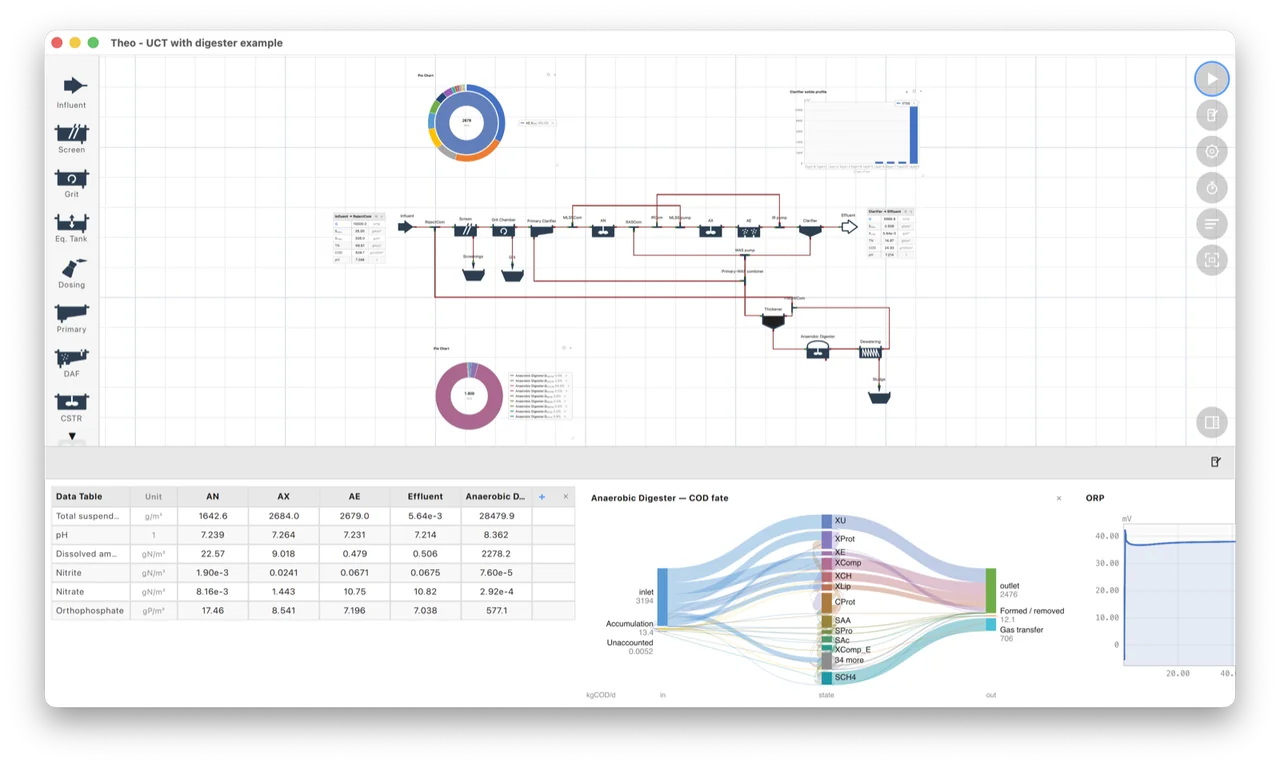
One installer, everything to start with
- The Theo desktop application — the flowsheet editor, charts, tables and reports, with the simulation engine that runs on your own computer.
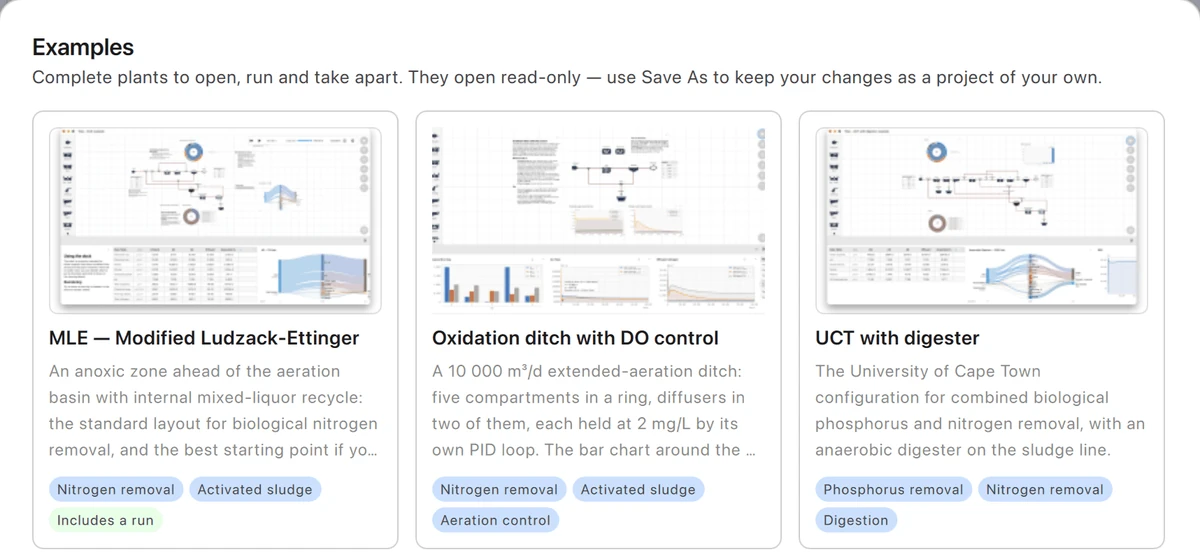
- Seventeen example plants — complete plants to open, run and take apart, from an MLE and an oxidation ditch to a UCT-MBR and four SBRs on a fill queue riding out a storm.
- The user manual — installed with Theo, readable offline.
- A connection for AI assistants — an MCP server, so an assistant such as Claude can drive Theo, run your models and read every result.
Try it free, license it when you are ready
-
Install and explore
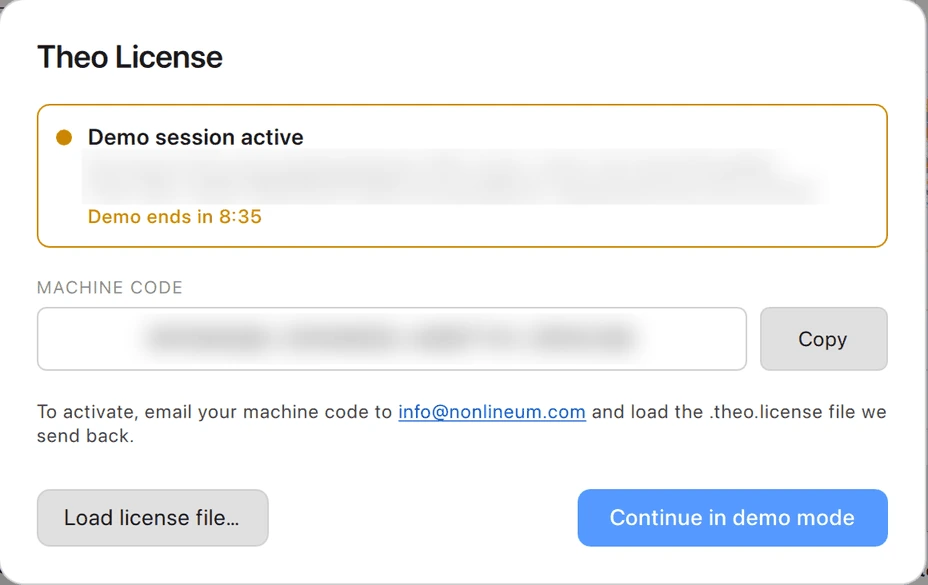
Without a license each session runs for ten minutes with everything except saving: build a plant, run it, chart the results, export a report. Restart Theo for another ten minutes.
-
Get a license
In Theo, open Help ▸ License… and copy your machine code. Buy a license online, or email the code to info@nonlineum.com and we send the license file back.
-
Load it
Click Load license file… in the same dialog. Theo unlocks at once; the plant you are working on stays open, ready to save.
Evaluating Theo for your organisation? Ask us for an evaluation license: it runs for a short, fixed period and needs no machine code.
All platforms
Theo 1.0.0-rc2, released 7 October 2026
To check a download, compare its checksum with the output of
Get-FileHash in PowerShell or
shasum -a 256 on macOS and Linux.
Older versions
Every Theo release stays available here, with its release date — to reproduce an earlier result, or to install the last version your license covers.