This post is a cheat sheet. It shows every kind of formatting the blog can render, and the file it comes from — posts/formatting-reference.md — is the thing to copy when you start a new post. When you're done with it, delete the file or rename it to _formatting-reference.md to hide it from the blog.
Front matter
Every post starts with a small fenced block of metadata:
---
title: Your title here
date: 2026-07-15
excerpt: Optional teaser for the index card.
read_min: 4
---
Only title and date really matter. excerpt falls back to your first paragraph, and read_min is estimated from the length if you leave it out.
Headings
Use ## for a section heading and ### for a sub-section. The post title is the single #, so start the body at ##.
A sub-section looks like this
...and then carries on with ordinary paragraphs.
Emphasis and links
Write bold with **double asterisks**, italic with *single asterisks*, and inline code with `backticks`. Make a link with [text](url) — internal targets like /#contact or /blog work just as well as full web addresses.
Lists
Unordered lists use dashes, and you can nest by indenting four spaces:
- Activated sludge
- Nutrient removal
- Nitrogen
- Phosphorus
- Anaerobic digestion
Numbered lists use 1., 2., 3.:
- Build the flowsheet
- Run the simulation
- Read the results
Quotes
Pull out a key line with a
>at the start. It's good for a takeaway or a customer quote.
Code and commands
Fence a block with triple backticks to show a command or snippet:
ffmpeg -i input.mov -crf 23 -movflags +faststart output.mp4
Tables
Pipes and dashes make a table:
| Parameter | Symbol | Typical value |
|---|---|---|
| Flow | Q | 10,000 m³/d |
| Ammonia | NH₄-N | 1.3 gN/m³ |
| Sludge age | SRT | 12 d |
Images
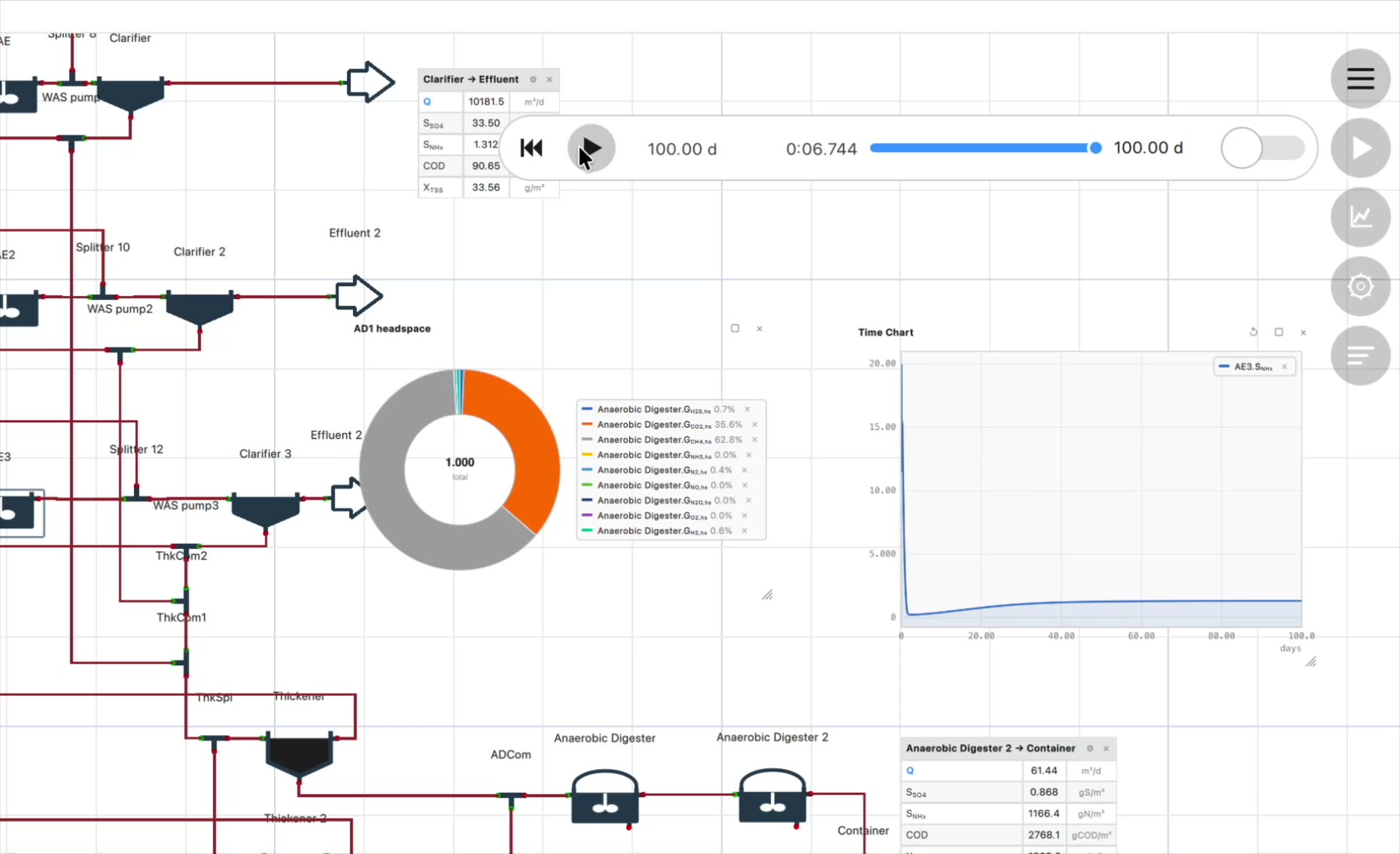
Point at anything under static/ with :
Dividers
Separate two parts of a post with three dashes on their own line:
That's the whole toolbox — copy whatever you need and start writing.